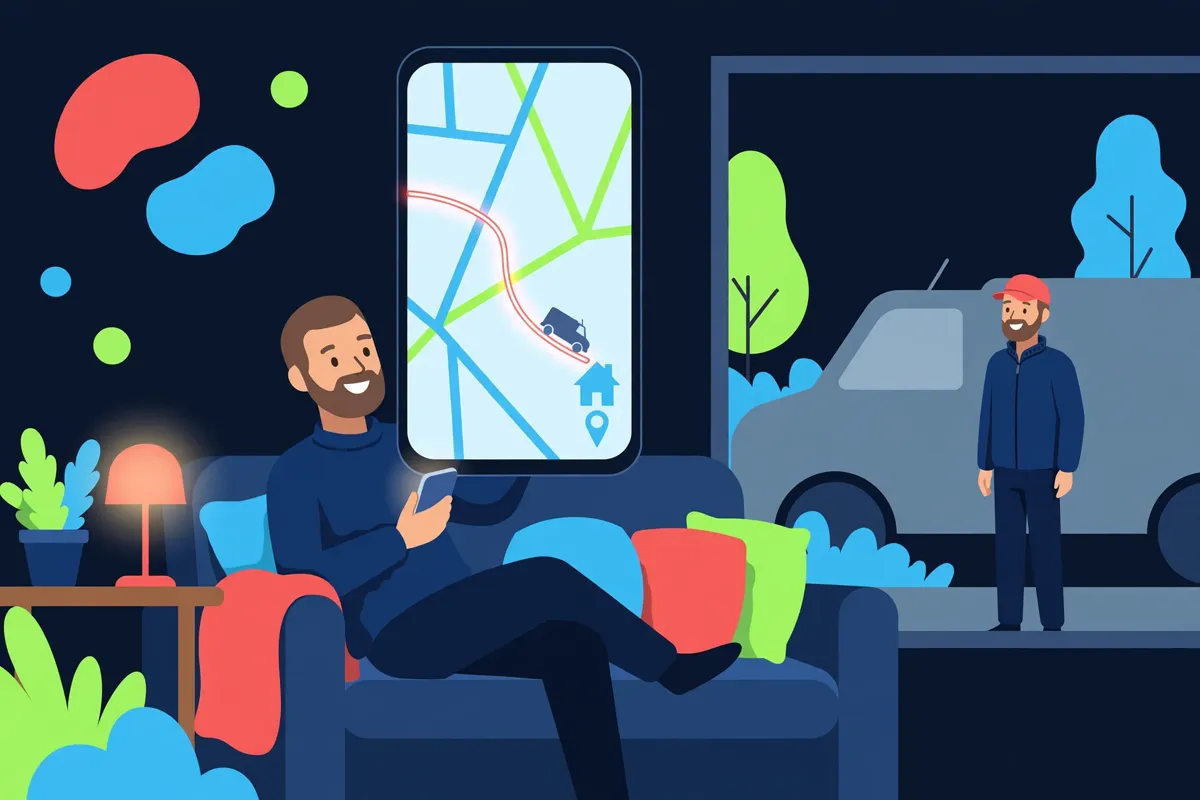
Sign in to track your jobs
Use the same email and password as your Top Speed account — the one you book and manage your appliances with. No separate tracking account.
No account yet? Create one in the Customer App — or track as a guest below.
Track as a guest
No account? Use the booking reference from your confirmation (like TS-XXXXXX) and the phone number on the booking.
Your visit, step by step
The full Track My Tech journey — from the booking-day text to welcome home, every stage shows up live on your job record above.
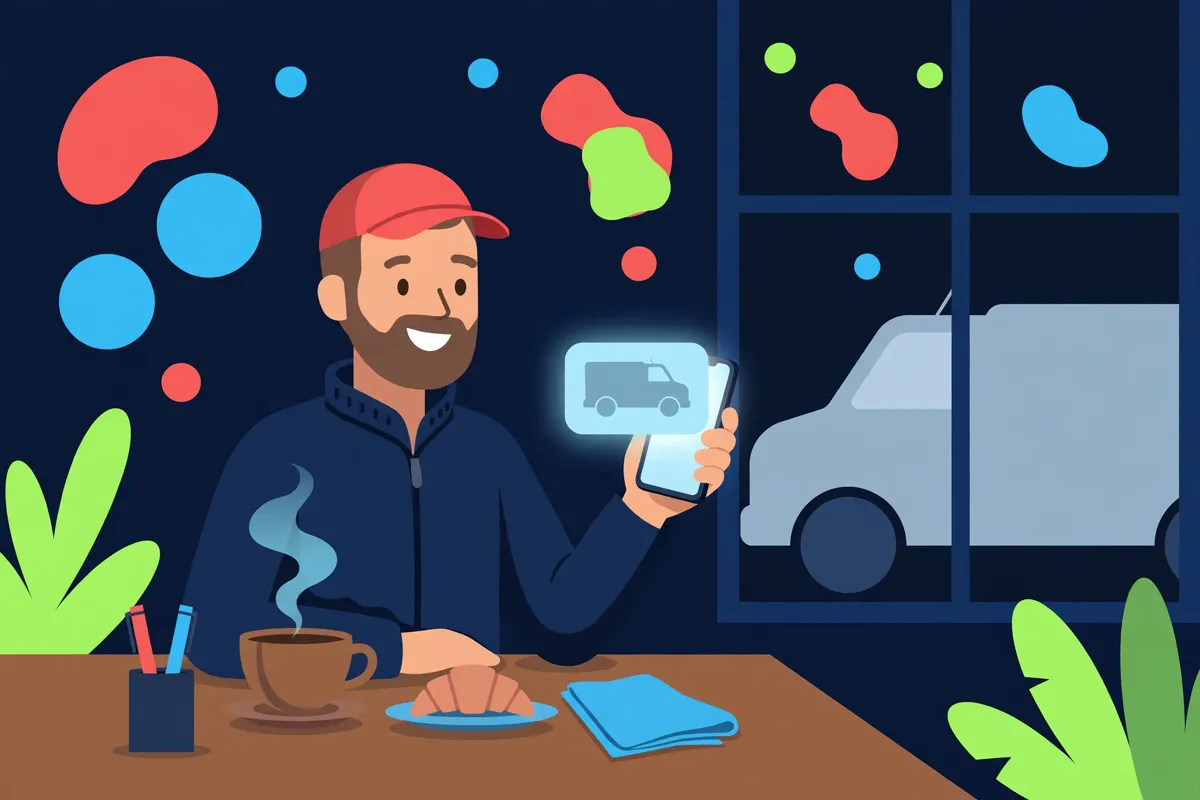

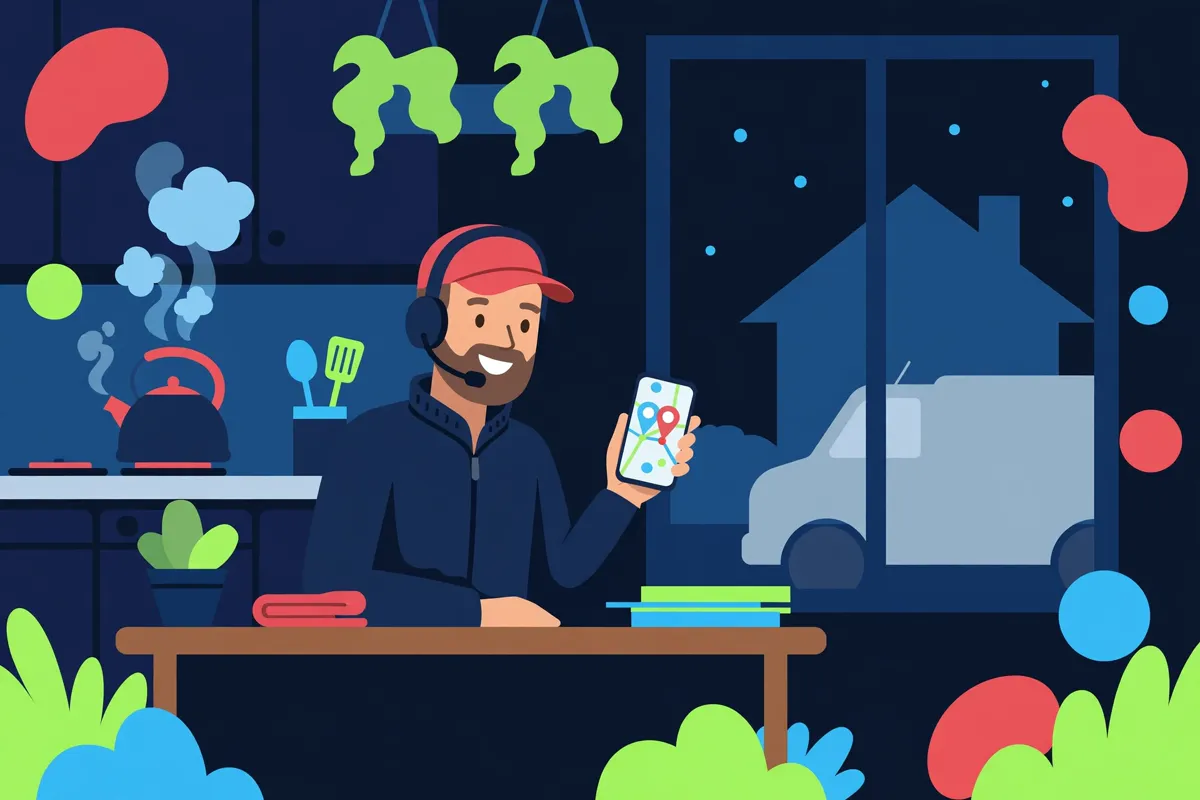
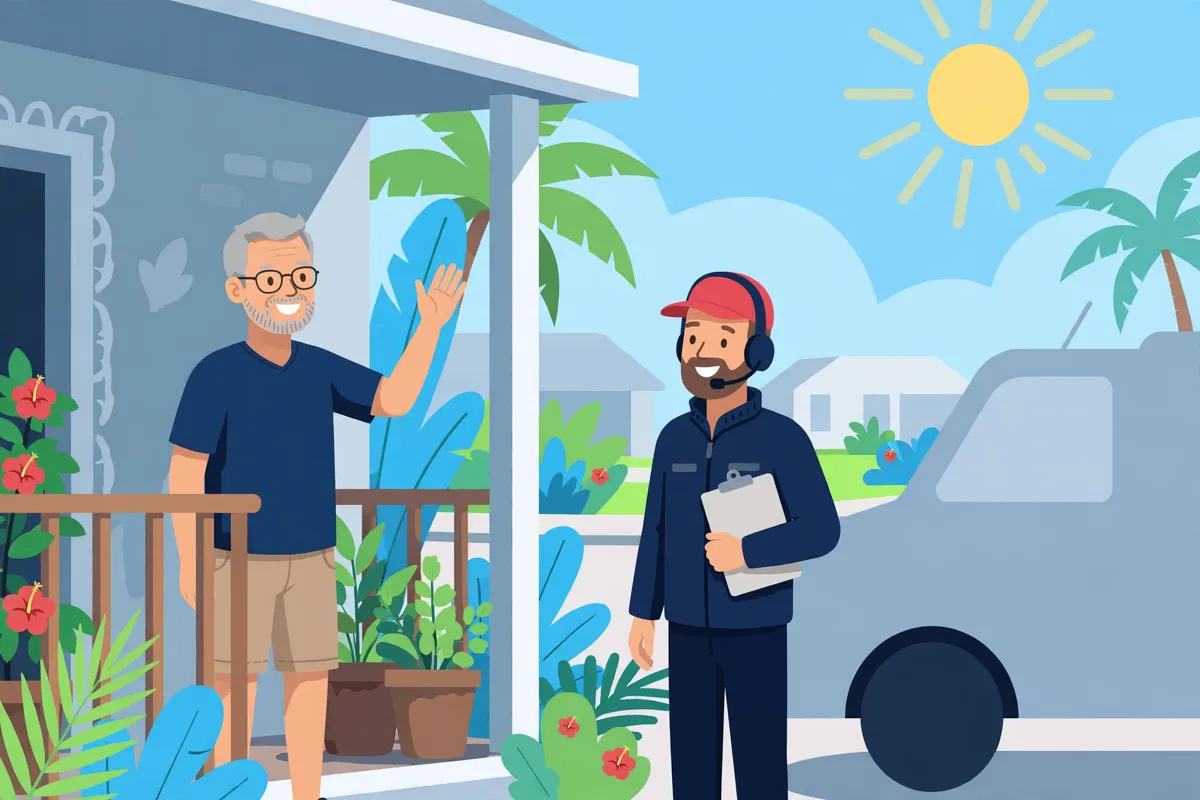

When your tech arrives
The arrival stage of every job: you get the en-route update first, then your technician at the door — photo and name on your job record, so you know exactly who to expect.