TOP SPEED OVERSIGHT SERVICE OS · MANAGEMENT
Top Speed Service OSManagement oversight

OVERSIGHT

Departments Live activity

COMMAND

ApplianceMan hub System Navigator Remote Manager Dispatch Dashboard Book OS CRM

MONEY & OPERATIONS

Finance OS Parts Supply OS Notifications

GROWTH

Flywheel AI Advertising Marketing OS Ad Studio Advertiser Console Service OS Insights Publish Center
Loading account…
Management Oversight
LIVE DATA OWNER
—
Signed inStaff

Management Oversight

Every department on one screen — what each team is holding right now, and everything happening across the platform. Numbers come straight from the Service OS; nothing here is estimated.

Loading live data…
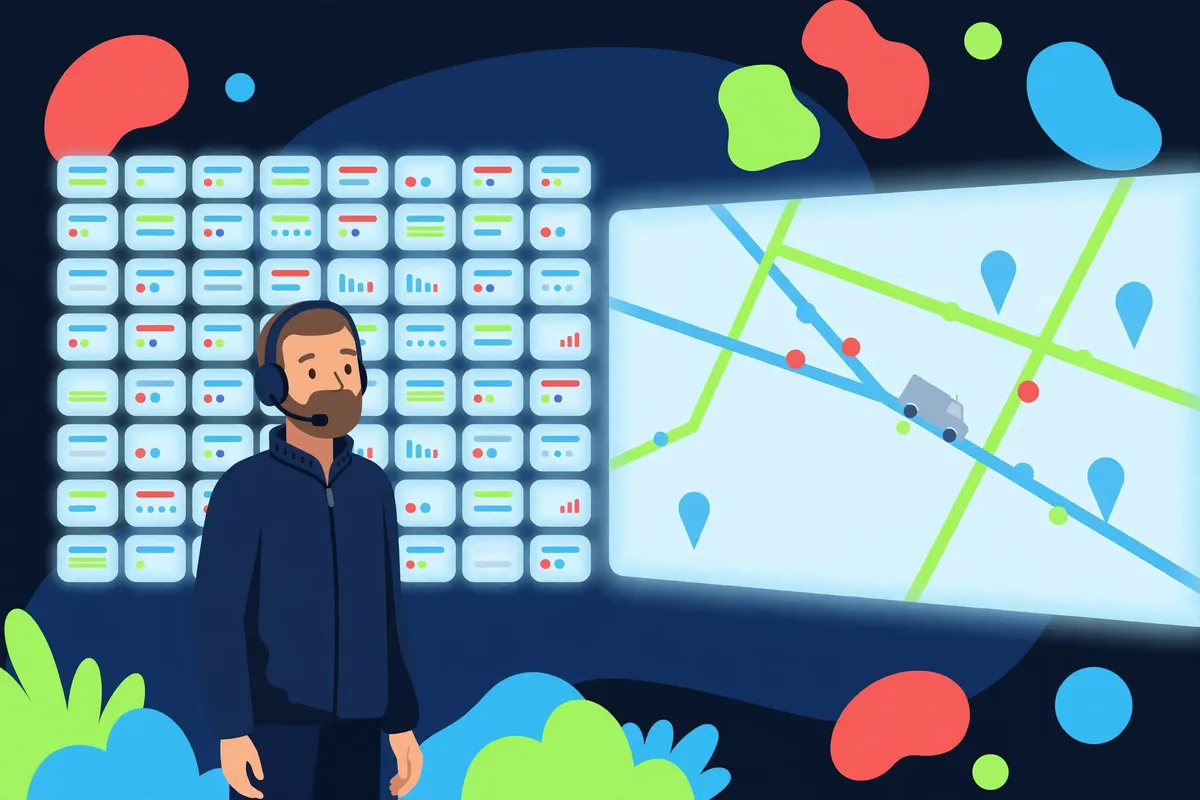
Illustration: an operations lead before a wall of live job tiles and a city map — Management Oversight

Bookings & Dispatch

Open console

Loading…

Illustration: the dispatch feedback board — setter notes and job outcomes reviewed by the team

Commercial

Open console

Loading…

Illustration: the commercial desk — business and facility work orders coordinated for commercial accounts

Providers & Network

Open console

Loading…

Customers & CRM

Open console

Loading…

Illustration: a property manager's service request being taken in and filed onto the account record

Finance

Open console

Loading…

Marketing & Publishing

Open console

Loading…

Referrals

Open console

Loading…

Parts Supply

Open console

Loading…

System Health

Open console

Loading…

Messages & Alerts

Open console

Loading…

Illustration: a Service Setter making follow-up calls to customers after their jobs are complete

Live activity

The newest events across the whole platform — bookings, dispatch, publishing and more — newest first.

Loading the activity feed…

Every number on this screen is read live from the Service OS at refresh time. A tile that cannot load says so — it never estimates. Dispatch, health and activity refresh every minute; the remaining departments refresh every five minutes and on demand.

Options

Oversight preferences — saved on this device only.
Live data
Auto-refresh every minute
This console refreshes itself every minute — that is its original behavior, and the default here. Turning it off stops the automatic cycle; the Refresh button still works. An automatic refresh never runs while a detail or this panel is open.
Activity feed
Show:
Rows:
All activity at 28 rows is the console's original behavior.

Activity detail

Read-only — Oversight watches; the working consoles act.